Nano Banana Pro
Images up to 4K, dense exact text, and up to 14 reference images in one edit.
NewKrea 2 is now part of the Windows install
Atelier turns a sentence into logos, shirt graphics, seamless patterns and print-ready files, using open AI models on your own computer. No credits to buy, no queue to wait in, and nothing leaves your desk.
$13.95 a month, unlimited
For Windows 11 with an NVIDIA graphics card (16 GB recommended). Macs with Apple silicon in beta. Check your computer
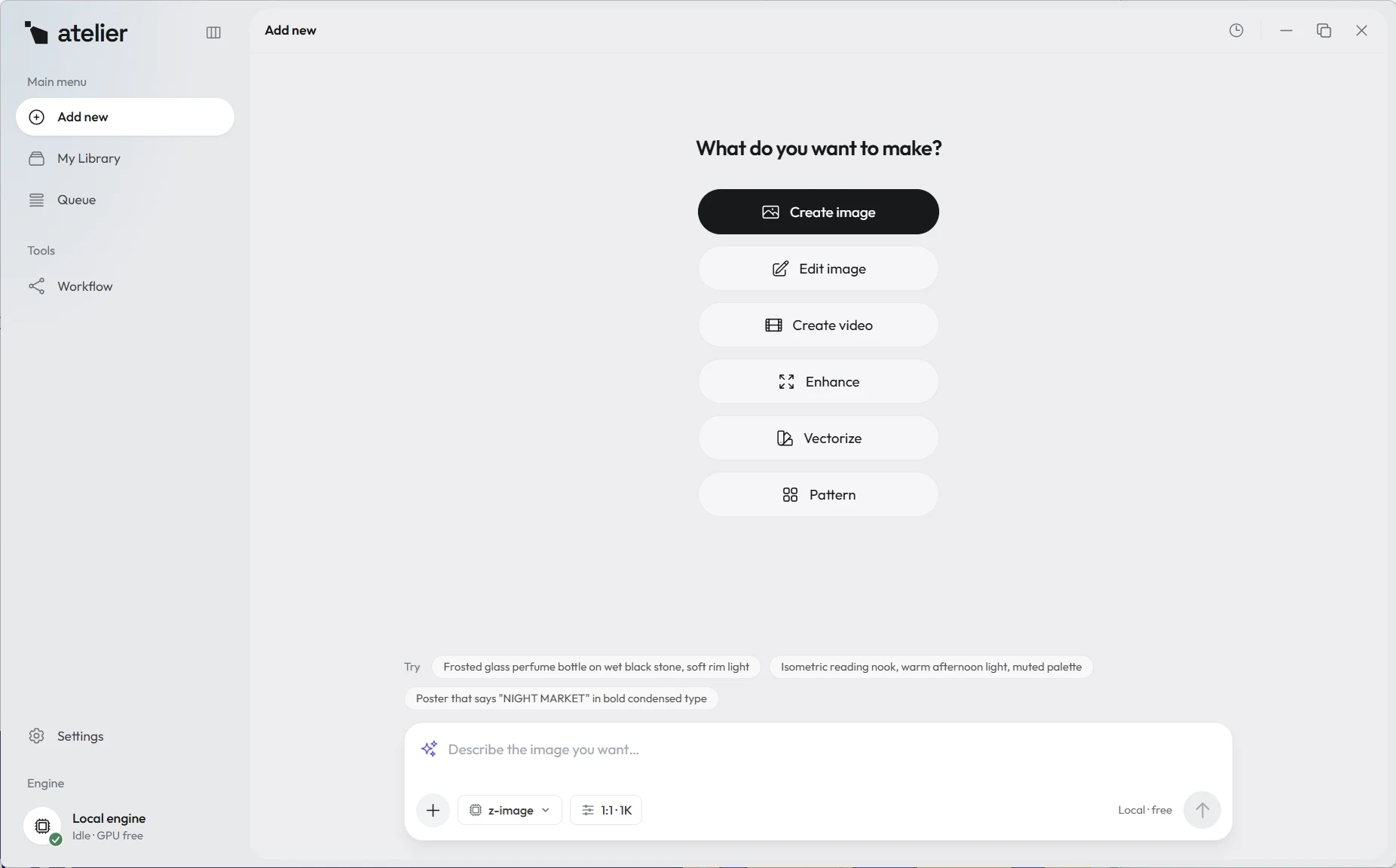
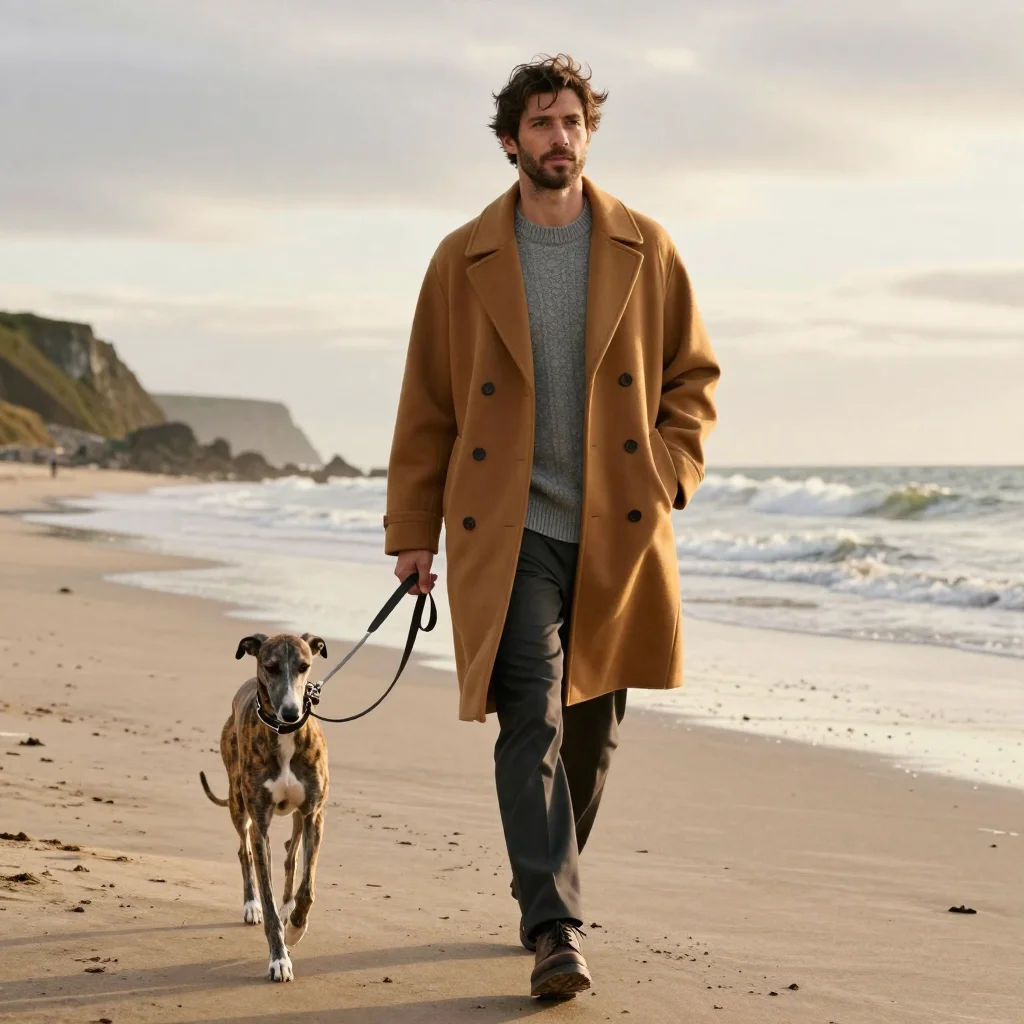
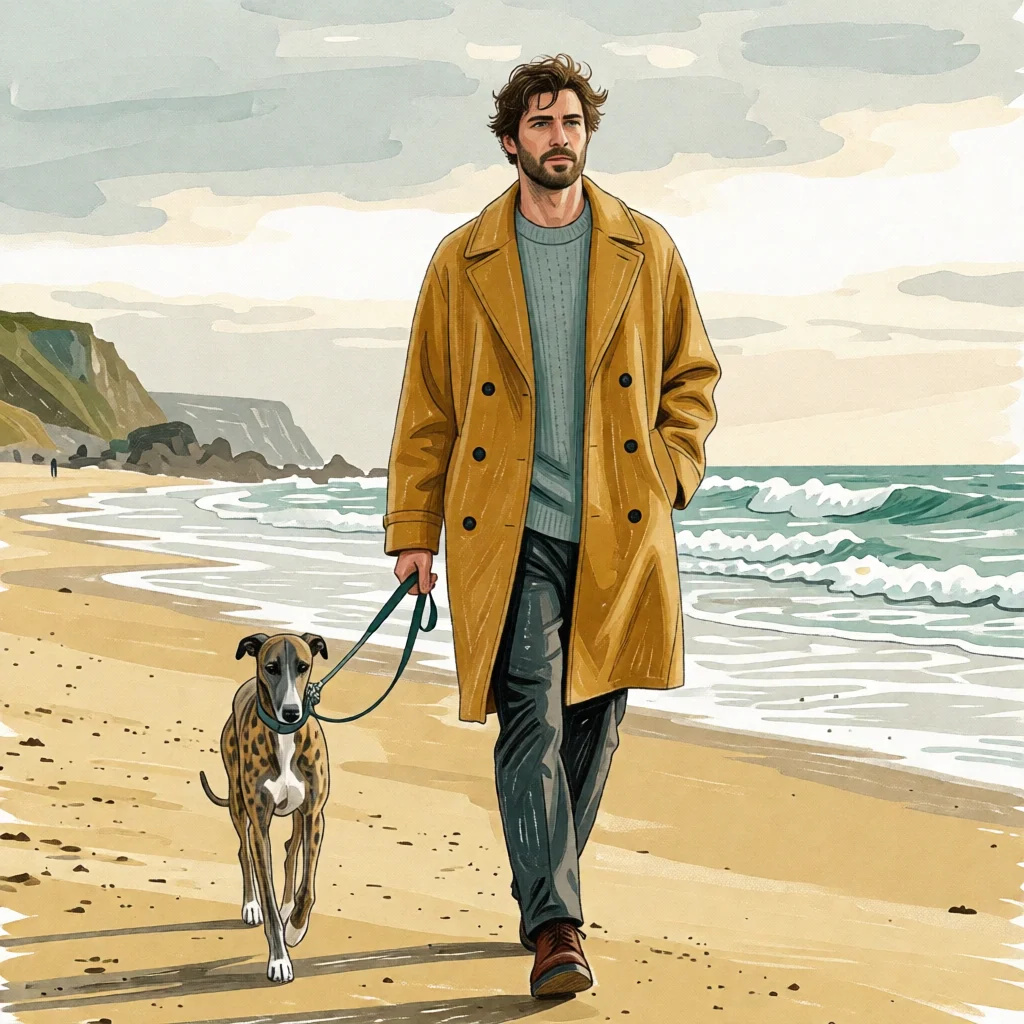
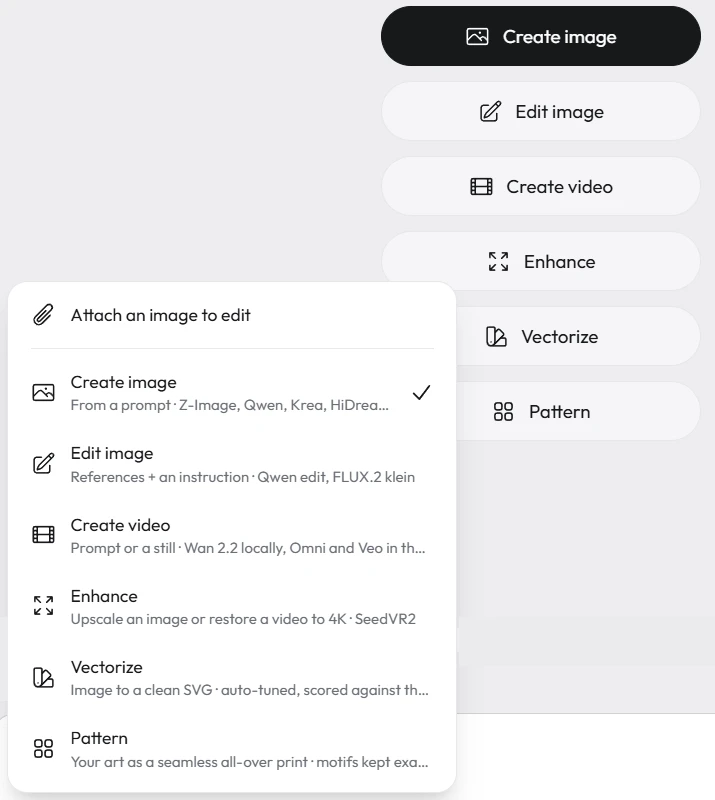
Runs the leading open image models, on your own card
Pick what you want to make, describe it, and press go. Every result lands in your library with the prompt and the model that made it, so you can always make another.
Art, product photos, video, logos, shirt graphics and patterns. Everything here came out of Atelier on one PC, with the time it took. Nothing was retouched.

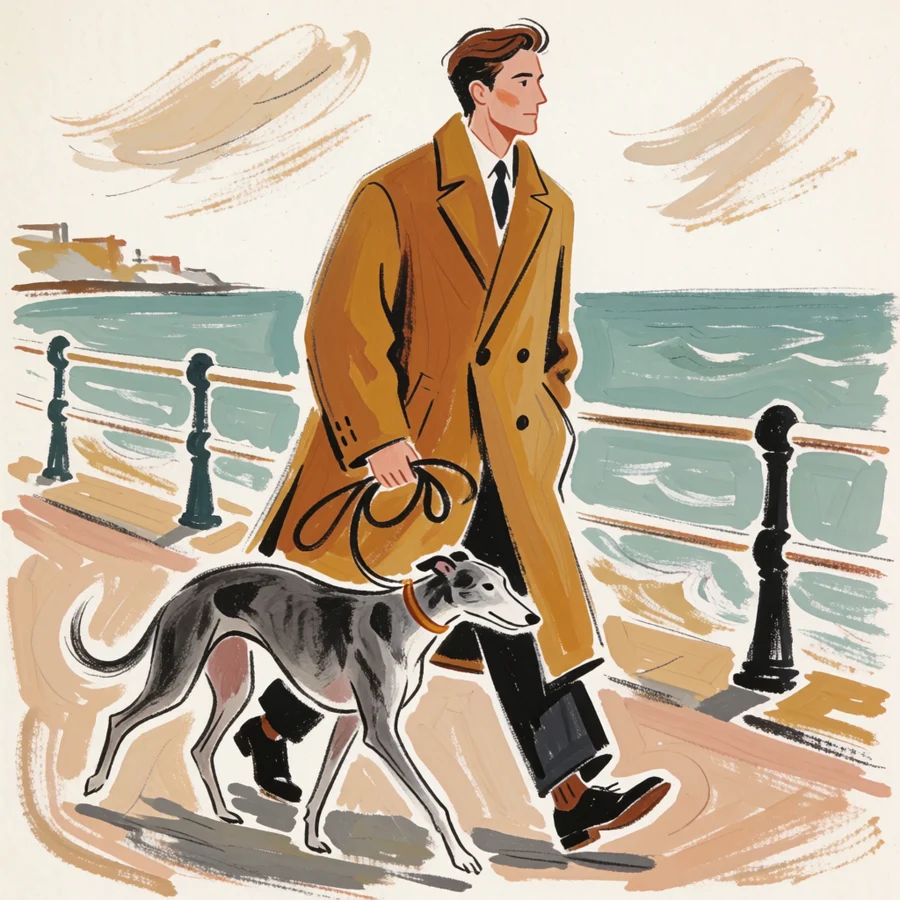
Gouache and coloured pencil for a magazine cover, in 18 seconds with Krea 2.
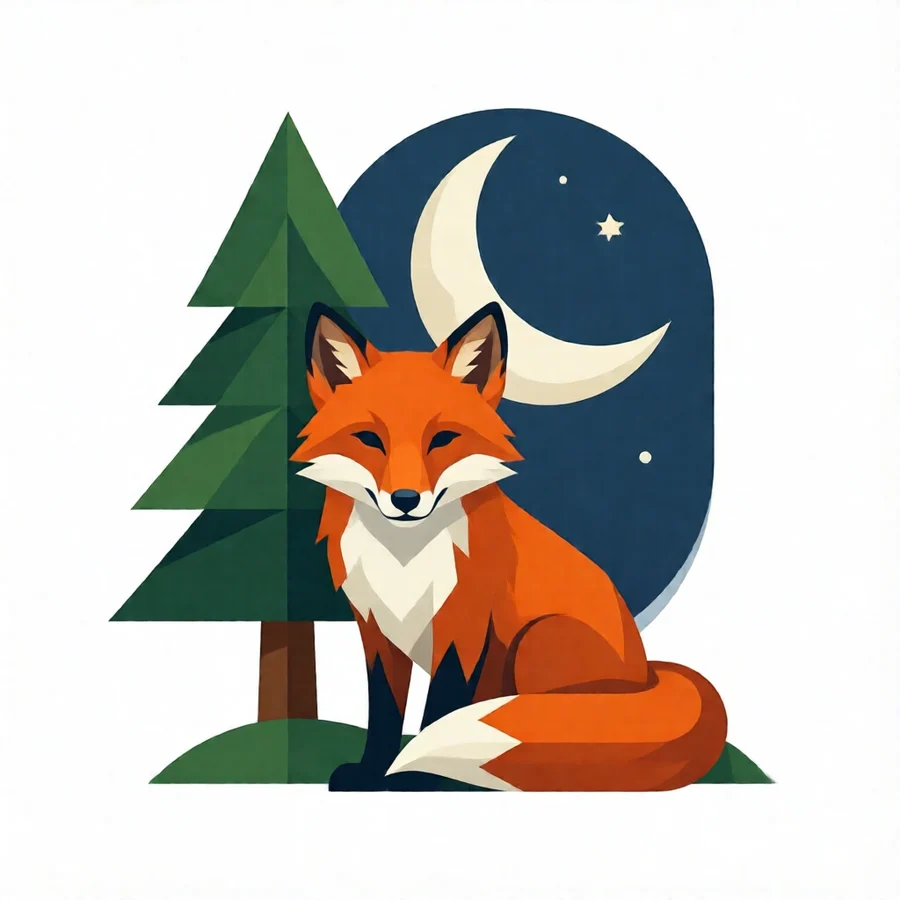
A fox under a pine and a crescent moon, in 9 seconds with Qwen-Image 2512. Trace it and it's an SVG.
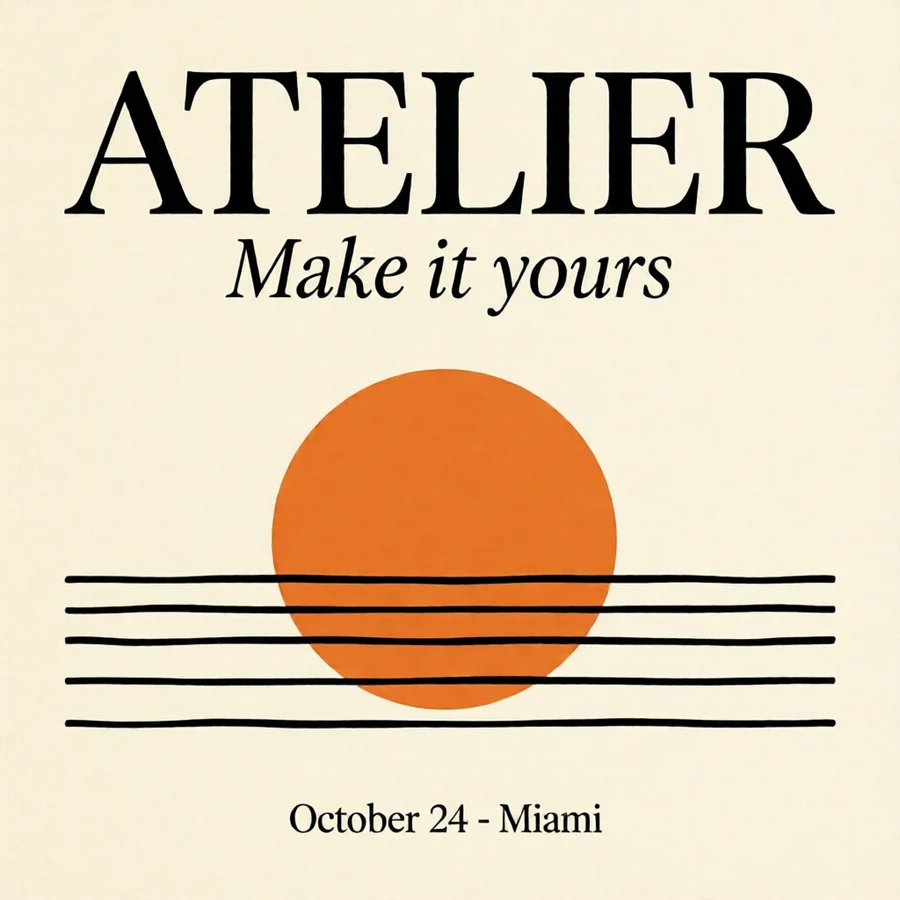
Every word spelled as asked: headline, script line and date, in 39 seconds.


Step 1
A porcelain mug on walnut in window light, in 14 seconds with Z-Image. No studio, no props.

Step 2
“A deep cobalt glaze, keep the gold rim.” Everything else stays exactly where it was.

Step 3
“Remove the beans and the napkin.” Gone in 13 seconds, with the light and the table untouched.
Start from any picture and describe the motion. Wan 2.2 renders the clip on your own card, free like everything else.



Step 1
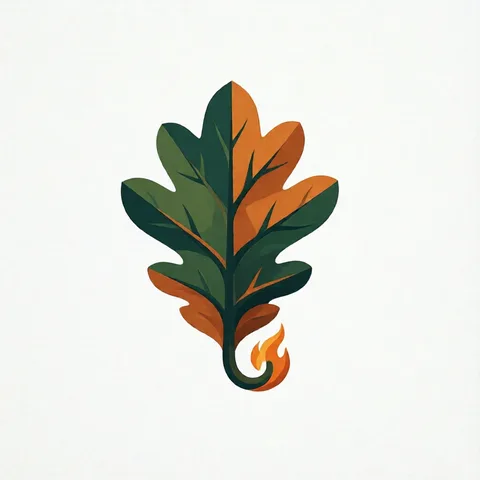
Four concepts from one sentence in 48 seconds. Make forty more; nothing counts against you.

Step 2
The pick becomes clean vector shapes, 25 of them in 12 colours, that scale to a billboard.

Step 3
Map the colours to a brand palette and the shading follows.

Step 1
Four screen-print badges in 22 seconds with Z-Image Turbo.

Step 2
Background removed in 5 seconds, then upscaled 4× to 4096 px for print in 15.

Step 3
An SVG of 39 shapes in 11 colours, ready to separate.
Step 1
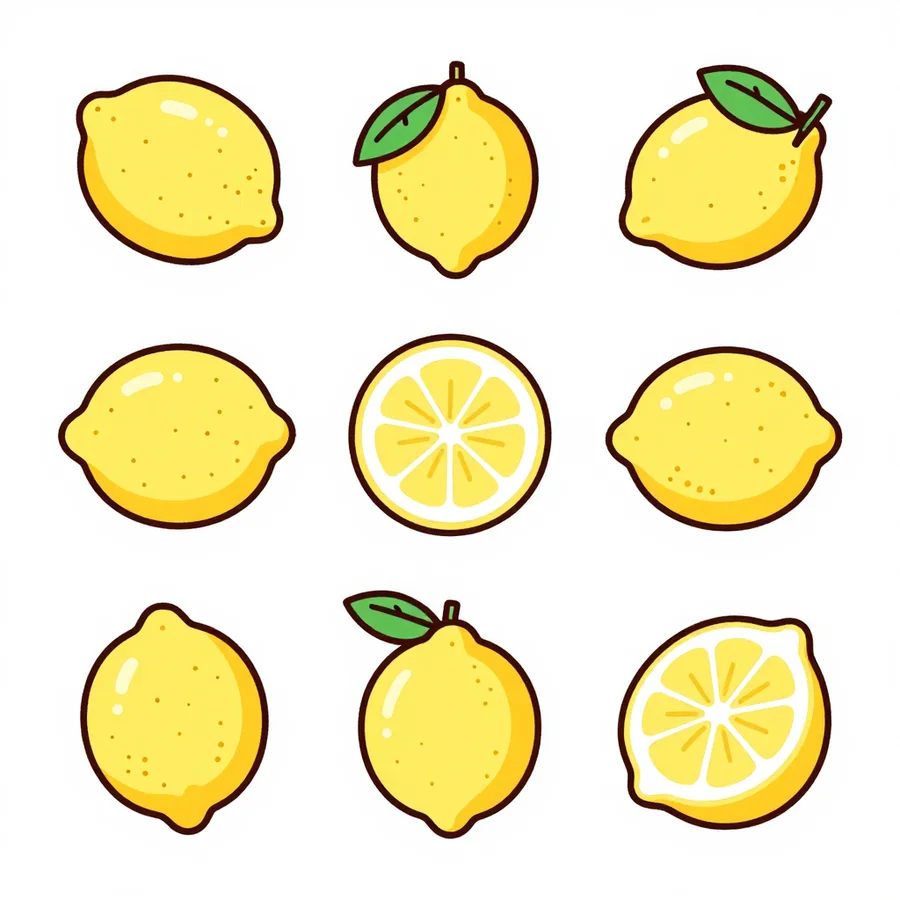
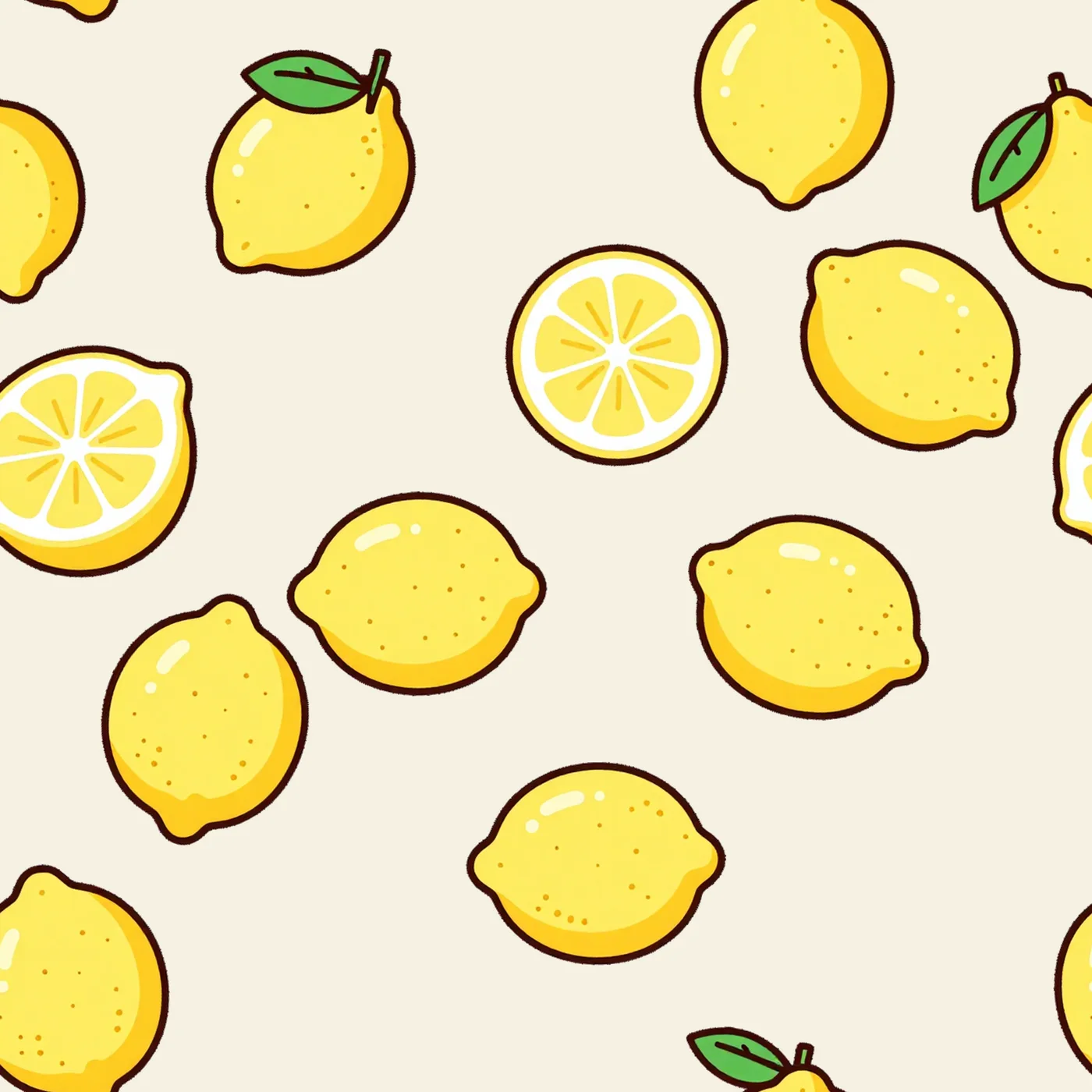
A sheet of lemons in 10 seconds. Or bring your own art.
Step 2
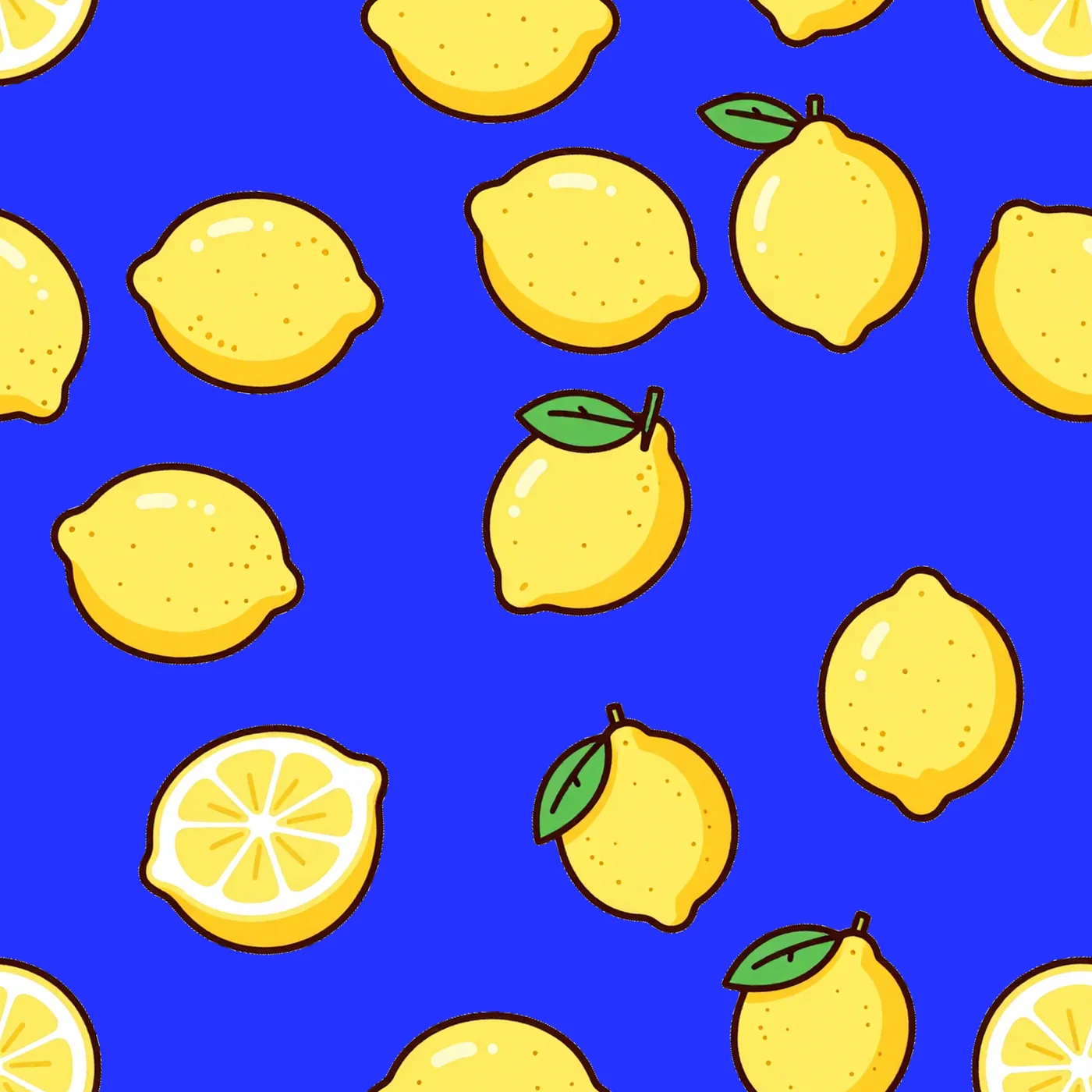
A seamless 12 × 12 inch tile at 300 DPI in 4 seconds, with a layered SVG.
Step 3
Same motifs on a new ground colour, in 3 seconds.
When a job needs the cloud, add your Google API key and use Nano Banana Pro and Veo from the same prompt box. Google bills you directly for each use, and Atelier adds nothing on top.
Atelier shows the price before every cloud call and waits for your yes. Everything else stays local and unlimited.
Images up to 4K, dense exact text, and up to 14 reference images in one edit.
Cinematic video clips from a prompt, a still, or a first and last frame.
You subscribe to the studio, not to a meter. Explore as far as the idea needs.
SVG, layered SVG, transparent PNG and 300 DPI TIFF open in Adobe Illustrator, Affinity, Inkscape and Figma. Atelier makes the file; you finish it where you always do.
Your graphics card does the work, so there is nothing to count. Make a hundred versions of a logo or leave a batch running overnight. The only limit is how fast your card is.
$13.95 a month, everything includedPrompts, references and results never leave your PC, so clients’ artwork stays theirs and yours.
The models allow commercial work and you own what you make, as far as the law allows. We never see it.
Online once to set up and sign in. After that Atelier keeps working for up to 5 days between check-ins.
Atelier runs open models such as Z-Image, Qwen-Image and FLUX.2 klein on your graphics card. Their licences allow commercial work. Your subscription pays for everything around them: the one-click setup, the tools that turn a picture into an SVG, a cut-out or a print-ready pattern, and the updates.
Some models have their own terms, like Krea 2’s free use for businesses under US$1M a year. Every model and its licence
| Product | Price | AI included |
|---|---|---|
| AtelierUnlimited, on your own card | $13.95 | Unlimited, on your own card |
| Adobe Illustrator25 generative credits a month | $22.99 | 25 generative credits a month |
| Adobe Firefly Standard2,000 generative credits a month for premium features | $9.99 | 2,000 generative credits a month for premium features |
| Midjourney3.3 to 60 fast GPU hours a month; unlimited relaxed-speed images from the $30 plan | $10 to $120 | 3.3 to 60 fast GPU hours a month; unlimited relaxed-speed images from the $30 plan |
Prices per month from each vendor’s site, checked October 12, 2026. Full comparison
Something else? info@cruxbitlabs.com
Yes, for everything that runs on your computer: Atelier doesn't count or cap what you make. How fast it goes depends on your graphics card. The optional Google models (Nano Banana, Veo) run in the cloud on your own Google key, and Google bills you for each use.
Windows 11 with an NVIDIA graphics card (16 GB of video memory recommended) and about 140 GB of free disk. Macs with Apple silicon are in beta and run a smaller set of models.
For the one-time setup and to sign in. After that Atelier works offline for up to 5 days between check-ins.
Yes. The models Atelier runs allow commercial use, and you own your results as far as the law allows. A few models have their own limits, listed on the open-source page.
No, they do different jobs. Illustrator is where you draw and refine vectors by hand. Atelier is where you generate the ideas, trace them, cut them out and turn them into patterns. Many designers use both: Atelier makes the SVG, Illustrator finishes it.
In Atelier: Settings, Account, Manage billing. You keep Atelier until the end of the month you paid for.
$13.95 a month with every tool and model included. Cancel any time from inside the app.